 RL-Notes
总结
Provider
不同的创建&声明&使用方式
标准方法(useClass)
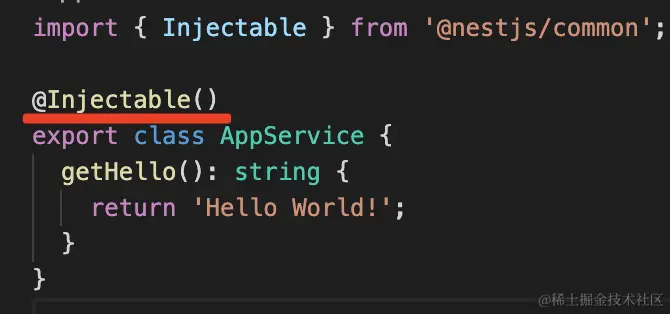
创建
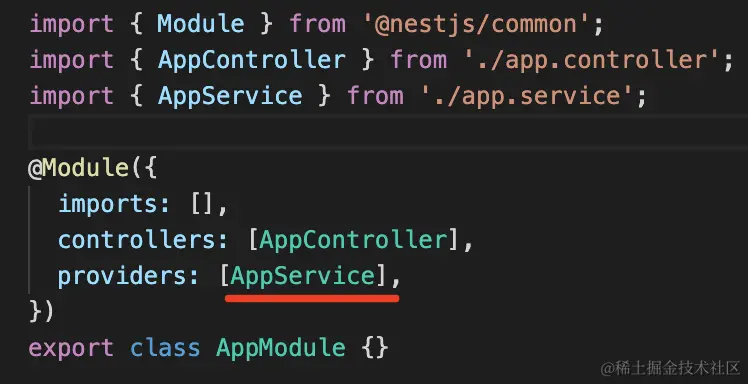
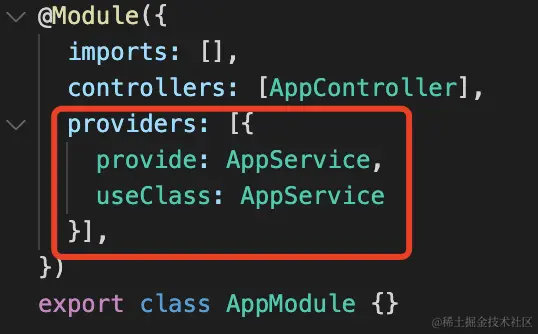
声明
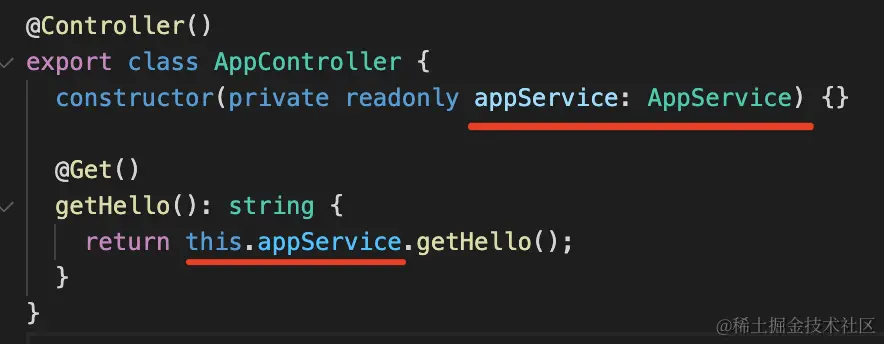
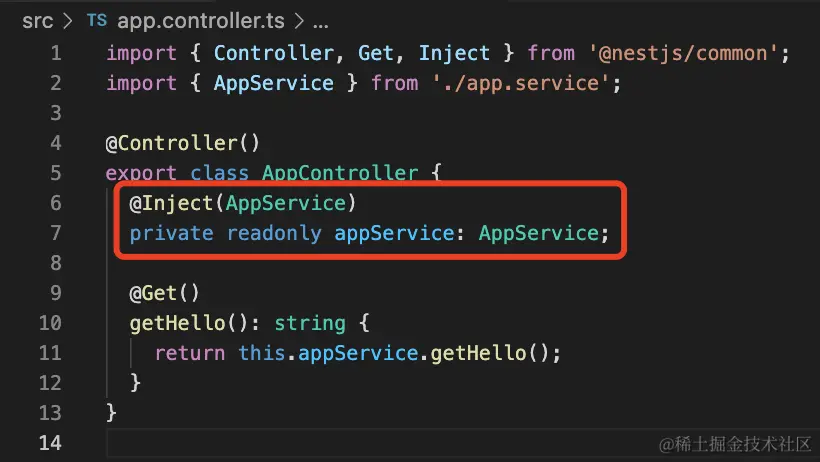
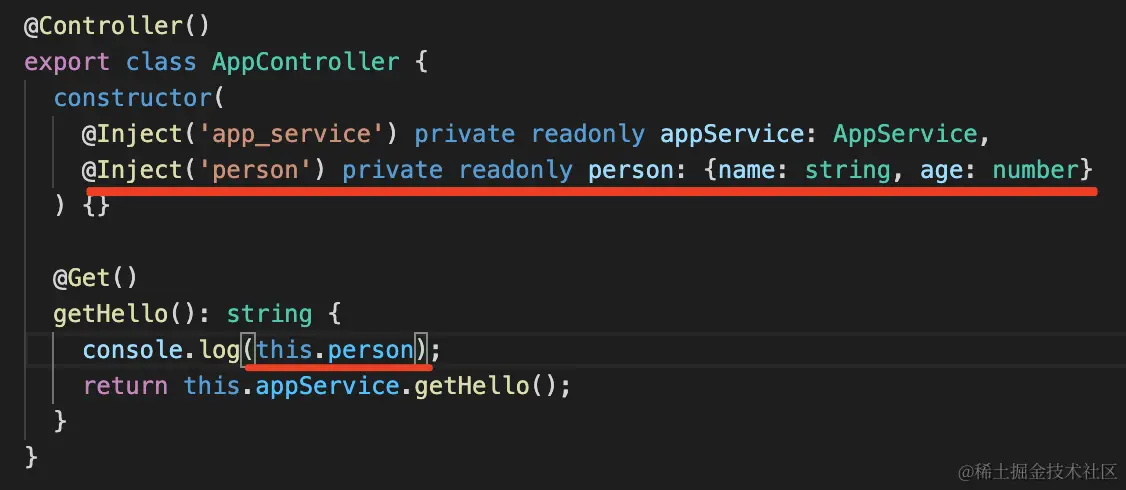
使用
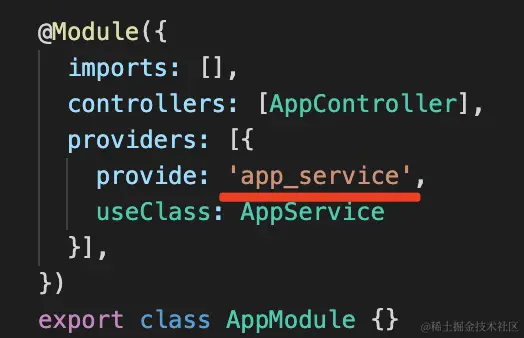
token 为字符串
创建同上
声明
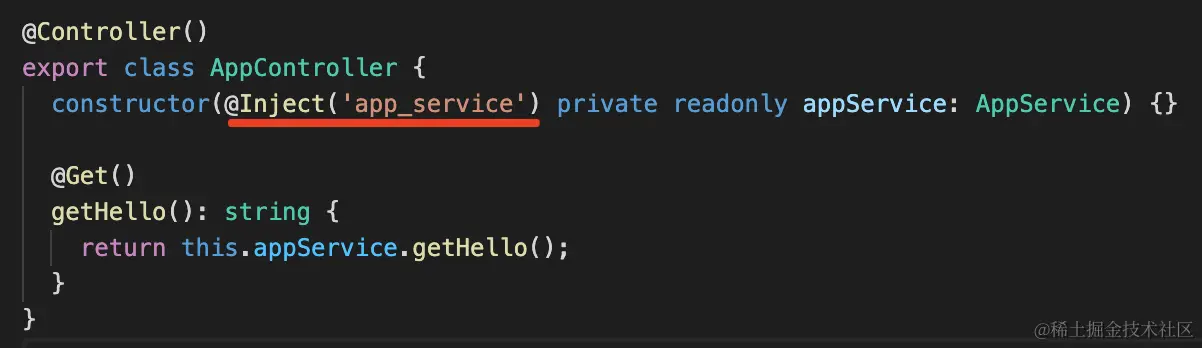
使用
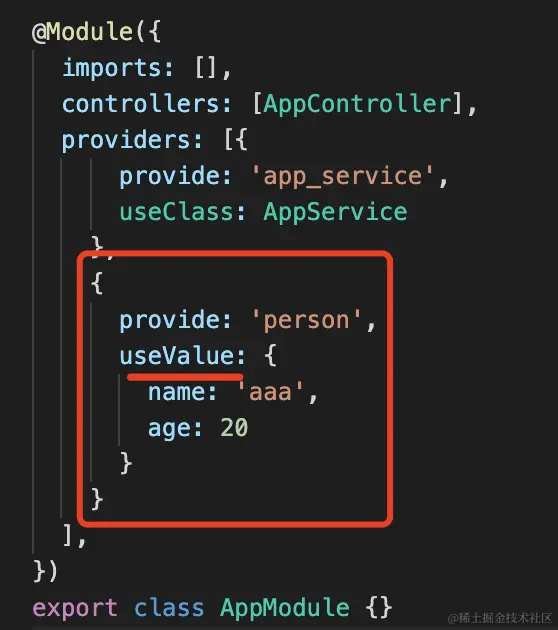
useValue
创建&声明
使用
useFactory
创建&声明
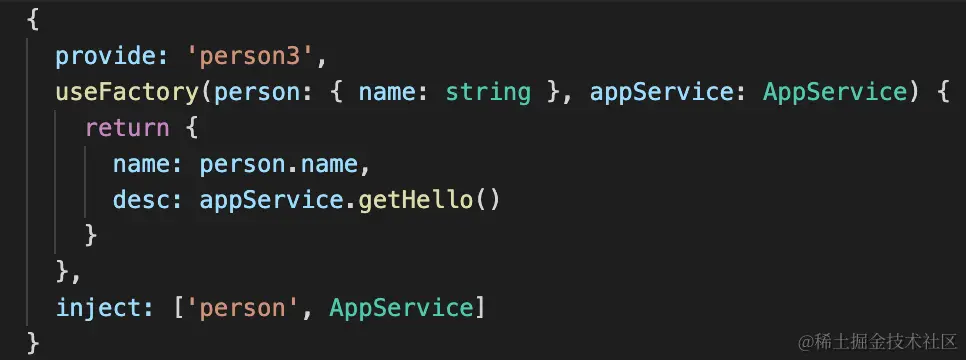
使用同上
注意
- provider 可以注入其他 provider
- useFactory 支持异步
- useExisting 指定别名
- 所有以类式写的功能,middleware,guard,interceptor,pipe,exceptionfilter 都可以注入 provider
MiddleWare
创建
typescript
import { Injectable, NestMiddleware } from '@nestjs/common';
import { Request, Response } from 'express';

@Injectable()
export class AaaMiddleware implements NestMiddleware {
  use(req: Request, res: Response, next: () => void) {
    console.log('brefore');
    next();
    console.log('after');
  }
}
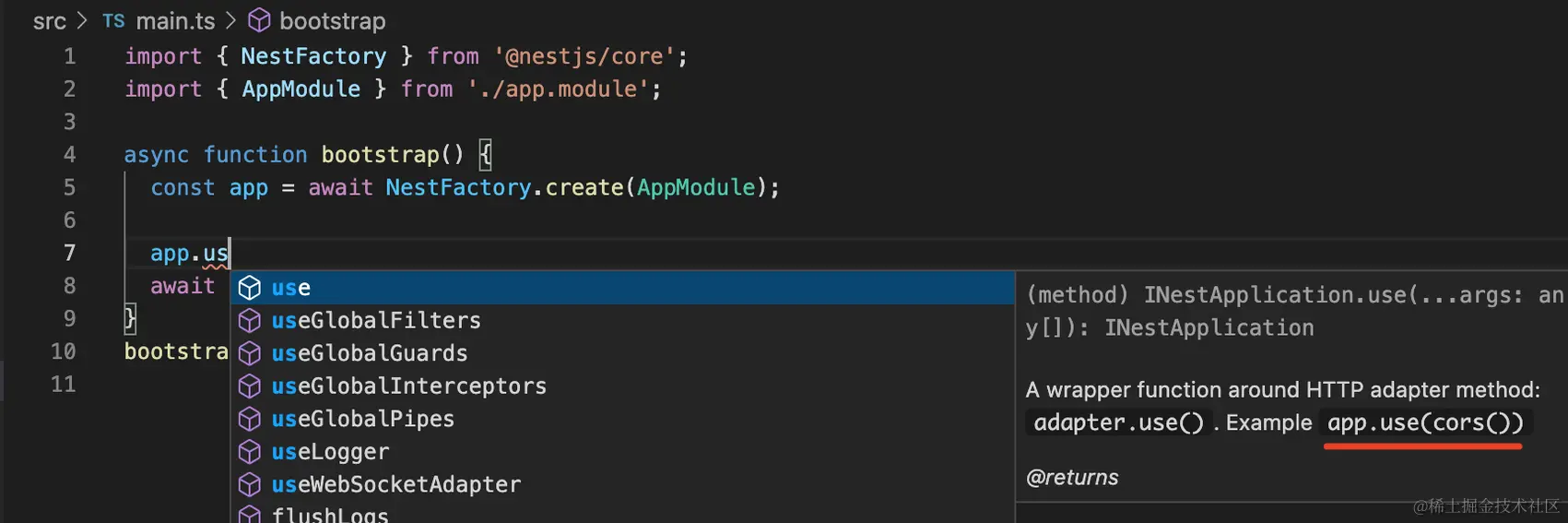
使用
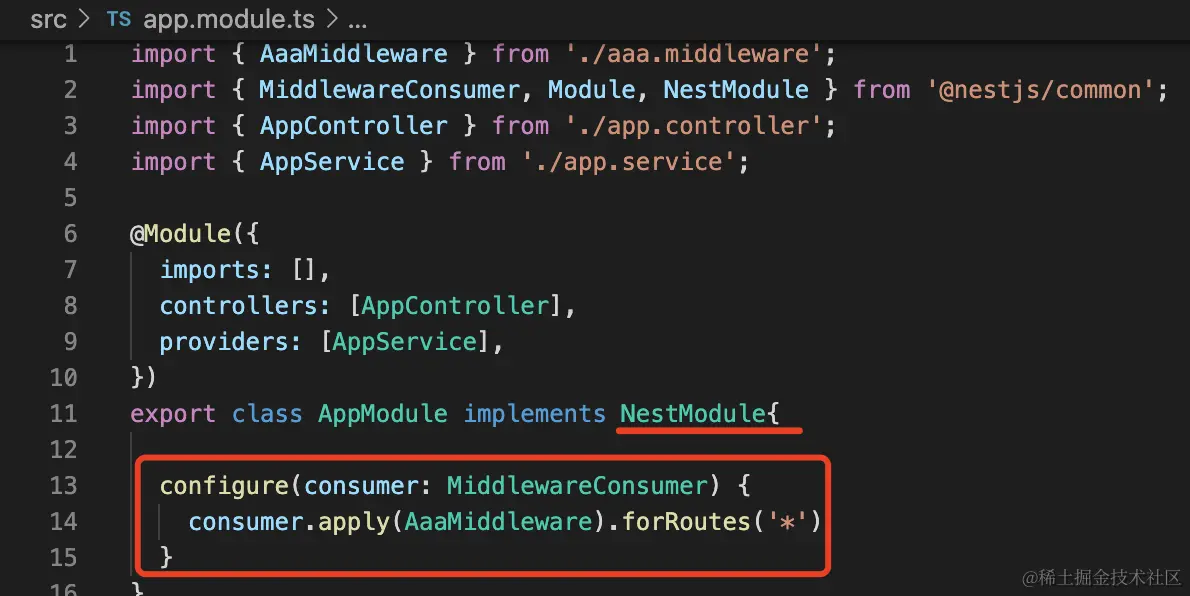
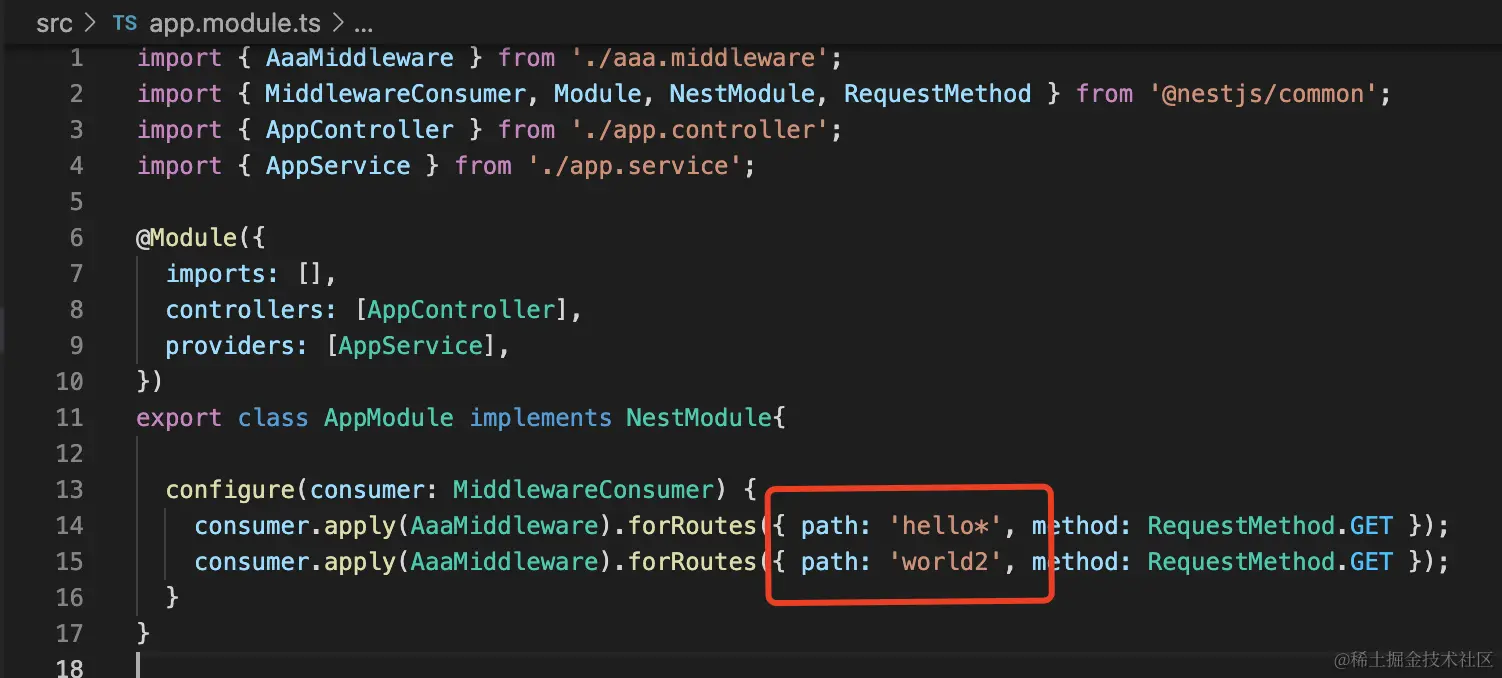
注意
- 可以注入 provider
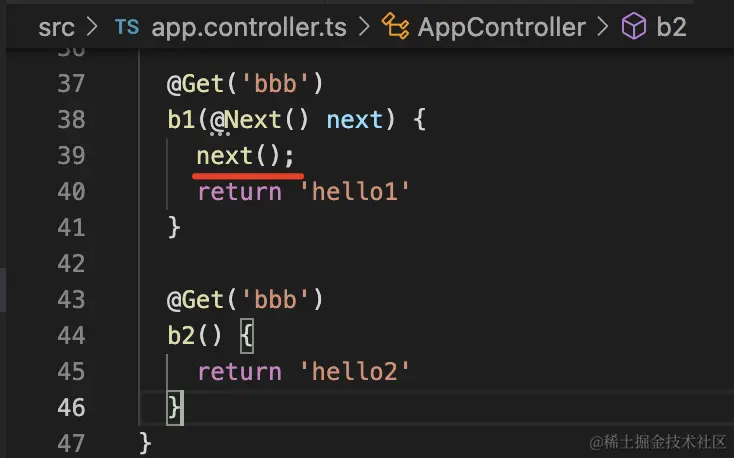
- @Next()修饰器调用下一个同路由 handle
Guard
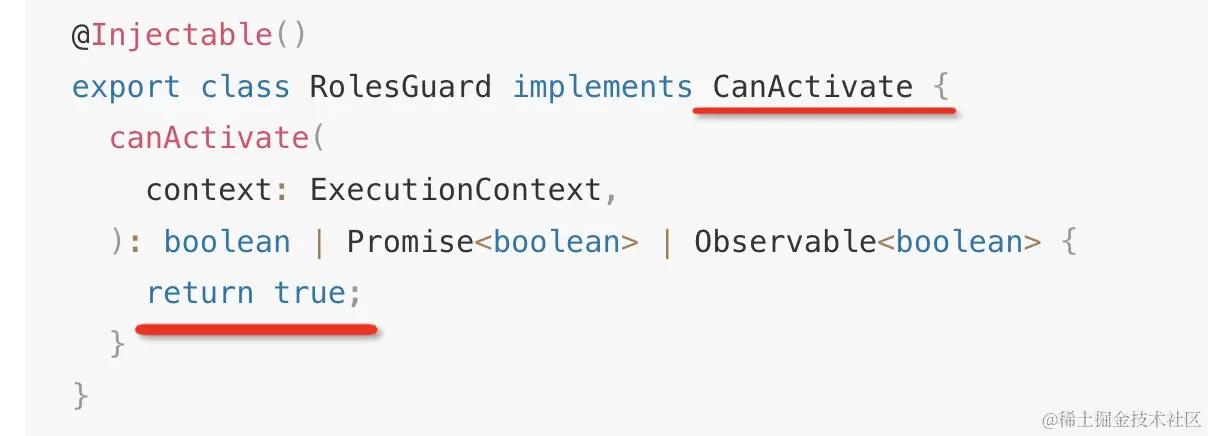
创建
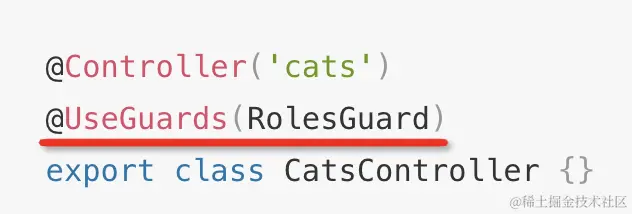
使用

Interceptor
创建
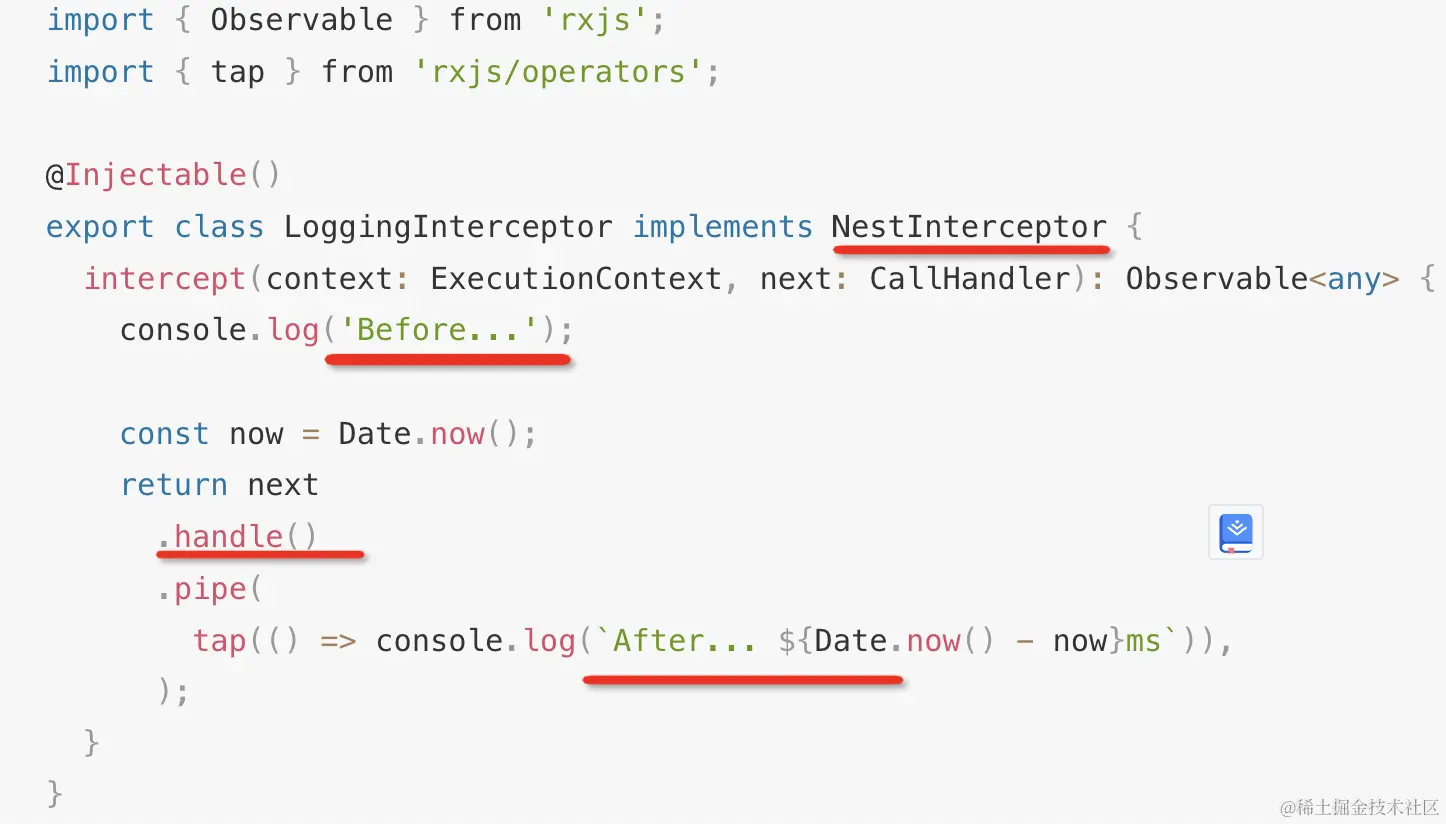
使用
Pipe
创建
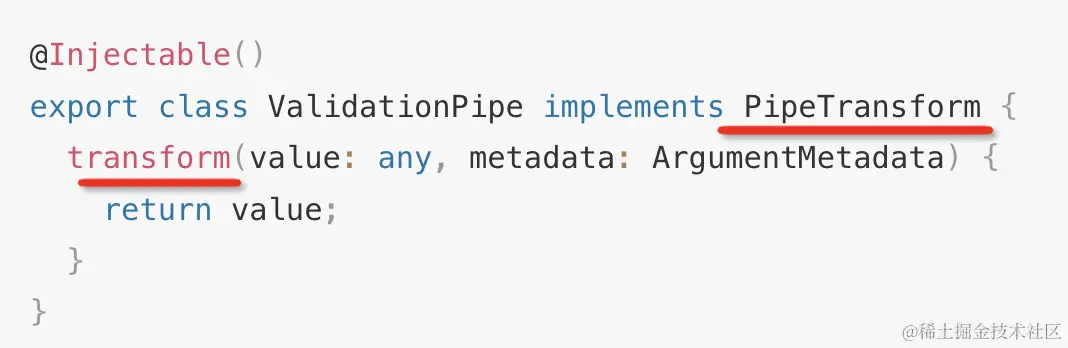
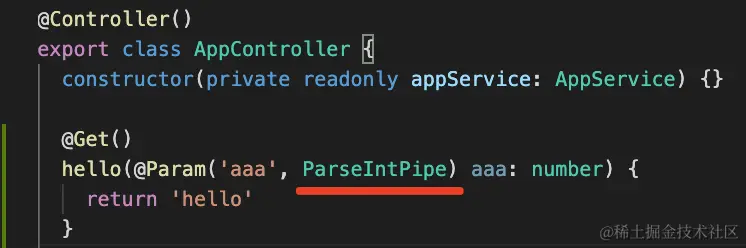
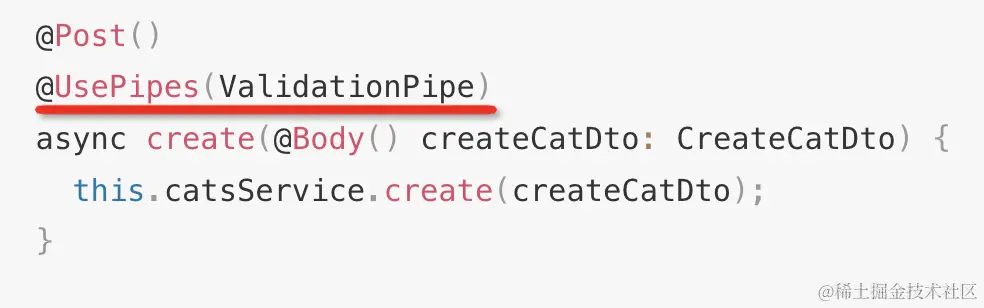
使用
对某个参数
对某个路由
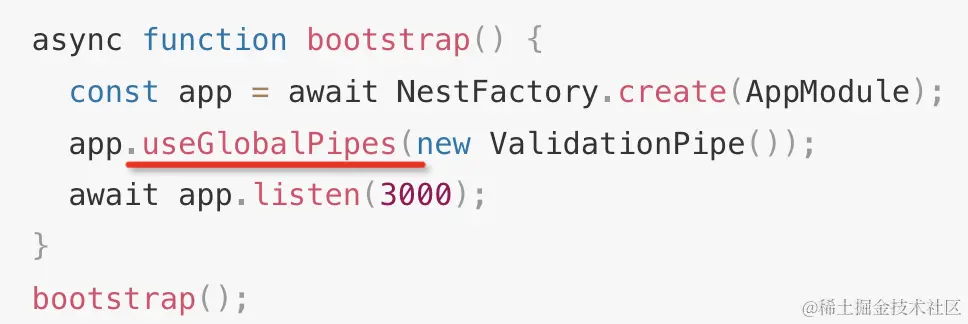
对所有路由
ExceptionFilter
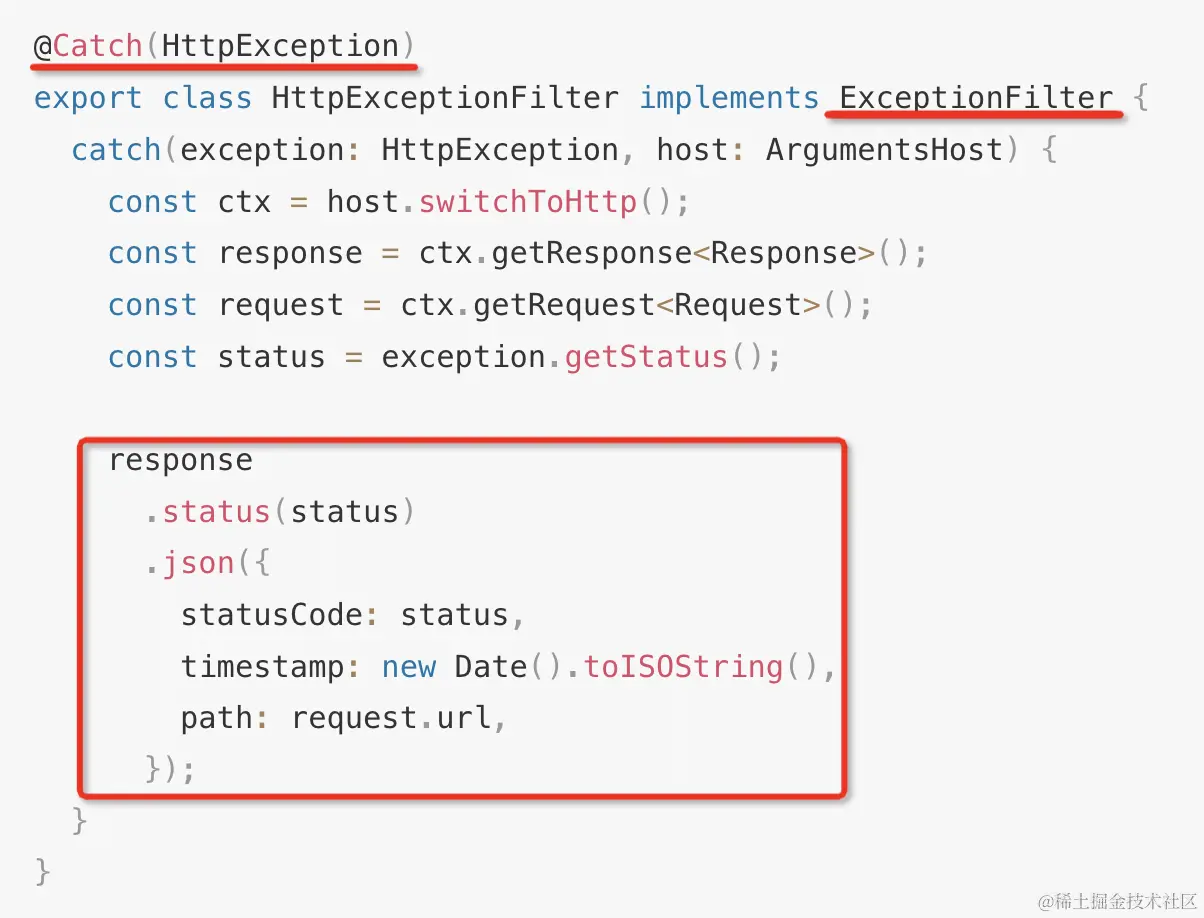
创建
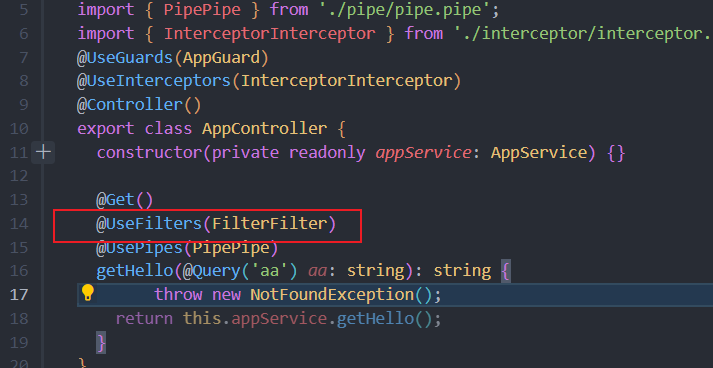
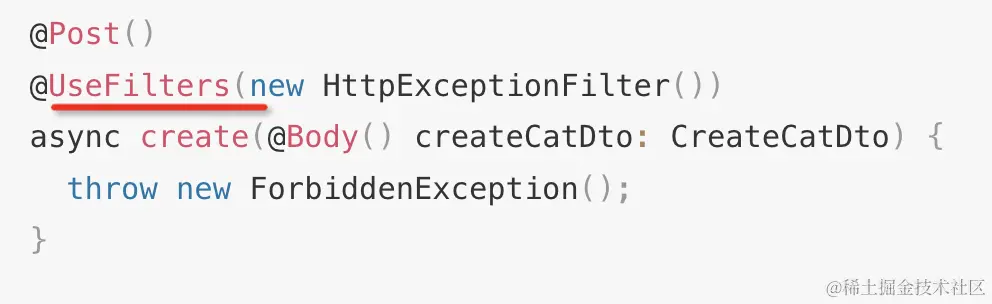
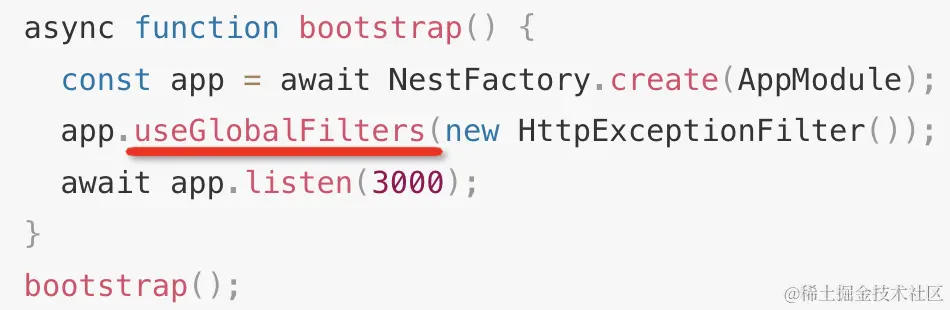
使用
Decorator
创建
基础装饰器

合并装饰器
typescript
import { applyDecorators, Get, UseGuards } from '@nestjs/common';
import { Aaa } from './aaa.decorator';
import { AaaGuard } from './aaa.guard';

export function Bbb(path, role) {
  return applyDecorators(
    Get(path),
    Aaa(role),
    UseGuards(AaaGuard)
  )
}
参数装饰器
typescript
import { createParamDecorator, ExecutionContext } from '@nestjs/common';

export const Ccc = createParamDecorator(
  (data: string, ctx: ExecutionContext) => {
    return 'ccc';
  },
);
使用
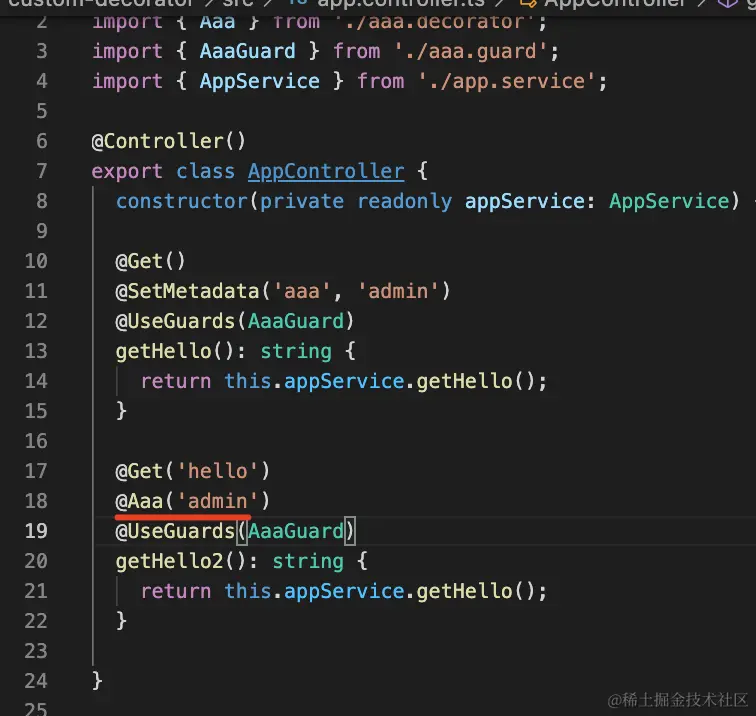
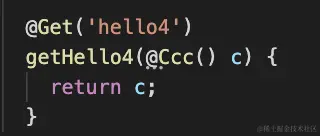
参数装饰器使用方法
注意
- 装饰器可以使用到类,方法,参数上